User guide
From creating your account to picking up your first surprise basket: follow this step-by-step guide and rescue good food from going to waste.
Manger.ma lets you reserve surprise baskets for free — baskets made up of the day's unsold products from merchants near you, with discounts of up to 70%. You reserve online, but you pay directly in store at pickup: no online payment, no bank card needed. Here is how it works, step by step.
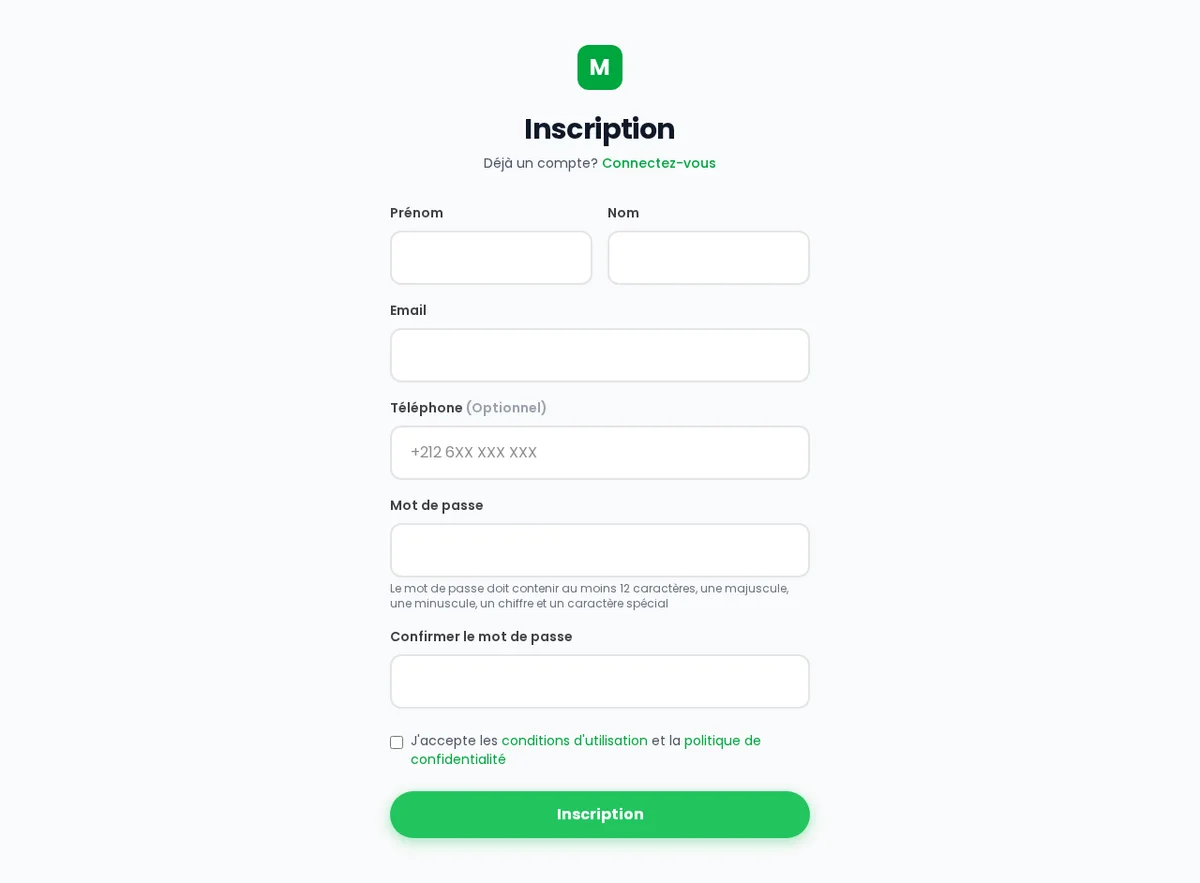
Create your account
Head to the registration page and sign up with your email address: enter your name, your email and a password. It is free and takes only a minute.
After signing up, you will receive a verification email. Click the link inside to activate your account — this step is required before you can log in. If you do not see the email, remember to check your spam folder.
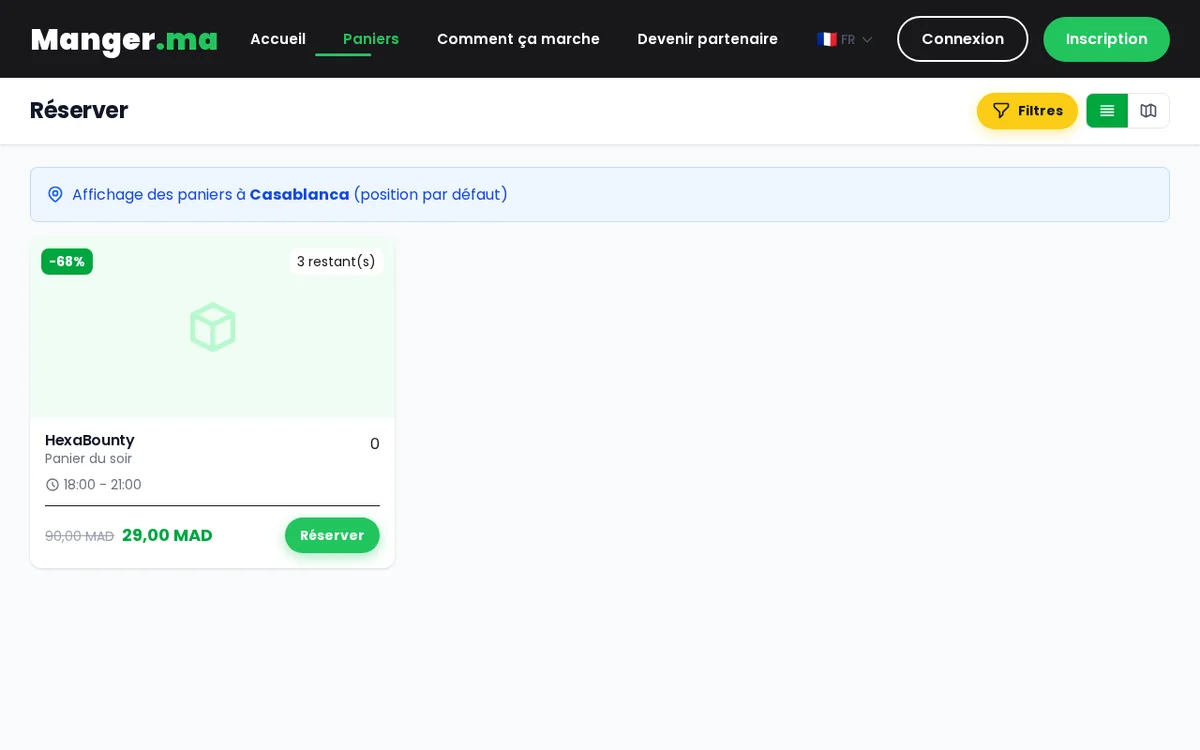
Find baskets near you
Open the Baskets page to discover all the current offers. Allow geolocation to automatically see the baskets around you, and adjust the search radius to the distance you are willing to travel.
Narrow your search with the filters: city, category (bakery, meals, fruit and vegetables, groceries...), price and dietary preferences. You can switch at any time between the list view and the map view to spot the merchants closest to you.
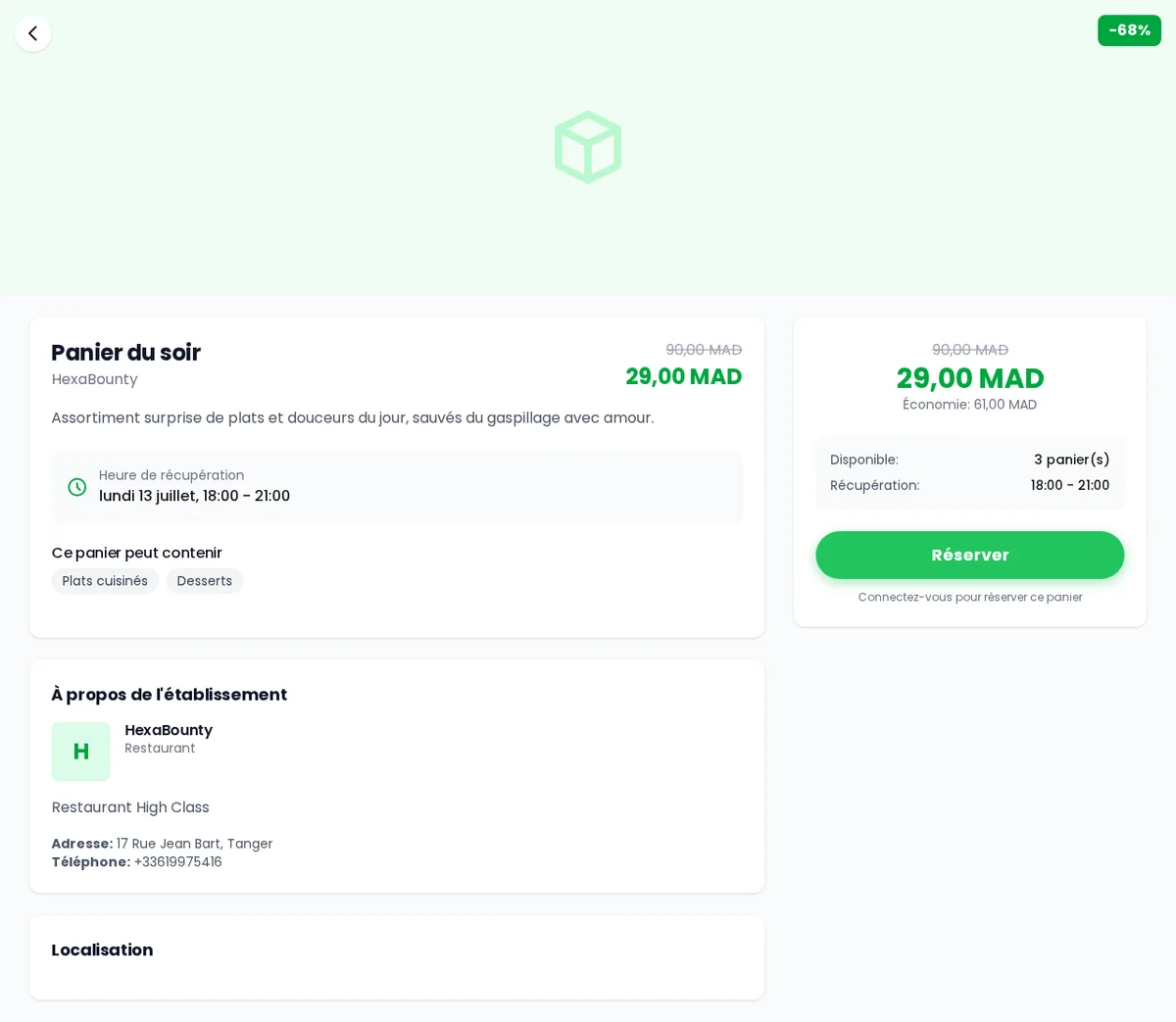
Pick your surprise basket
A surprise basket contains a merchant's unsold items of the day: its exact contents are not known in advance — that is the surprise! The basket's category and its original value are always displayed, though, along with the reduced price, with discounts of up to around 70%.
On the basket page you will find all the useful information: the merchant, the address, the pickup window, the number of baskets left and reviews from other customers.
Reserve for free
Choose the quantity you want, then confirm your reservation. It is completely free: you pay nothing online. You immediately receive a 6-digit pickup code, visible under My account > My orders and also sent to you by email.
No need to write it down: a reminder email containing your code is sent about one hour before the pickup window opens.
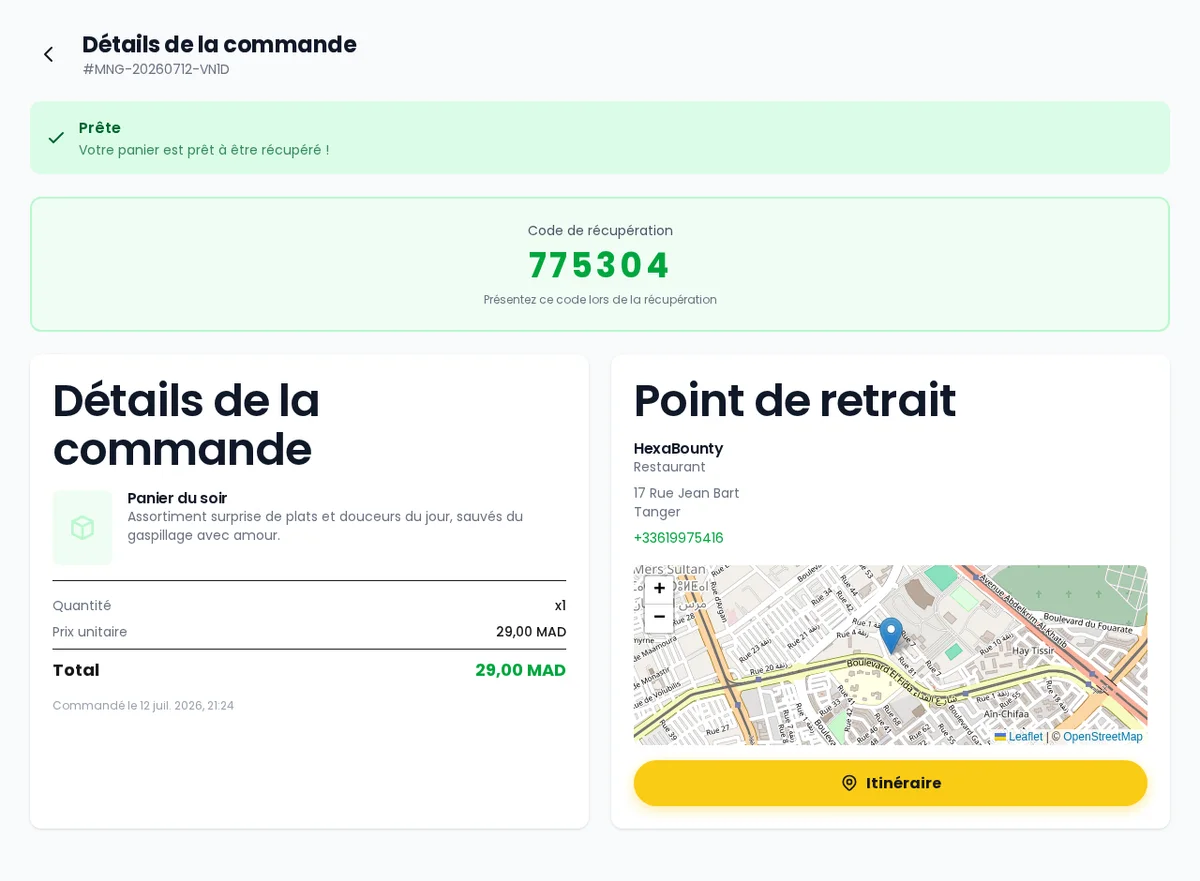
Pick up your basket and pay in store
Go to the merchant during the pickup window shown on your order. Show your 6-digit code: the merchant validates it, hands you your basket and you pay on the spot — in cash or with the store's usual payment methods.
Stick to the window: outside those hours, the merchant cannot guarantee that your basket will be handed over.
Need to cancel? Do it early
Plans changed? As long as your order is “Pending”, you can cancel it at any time from My account > My orders. Once the order has been confirmed by the merchant, cancellation remains possible until the pickup window opens.
If you simply do not show up, the basket is lost and the food may end up wasted — exactly what we are trying to avoid. So if you cannot make it, cancel as early as possible to give someone else a chance.
Leave a review
After pickup, share your experience by leaving a review (rating and comment) directly from your order page. Your reviews help other customers choose and help merchants improve.
Follow your favorite merchants
Fell in love with a bakery or a restaurant? Add it to your favorites by tapping the heart: you will receive an email (and a push notification if you enabled it in your browser) every time it publishes a new basket.
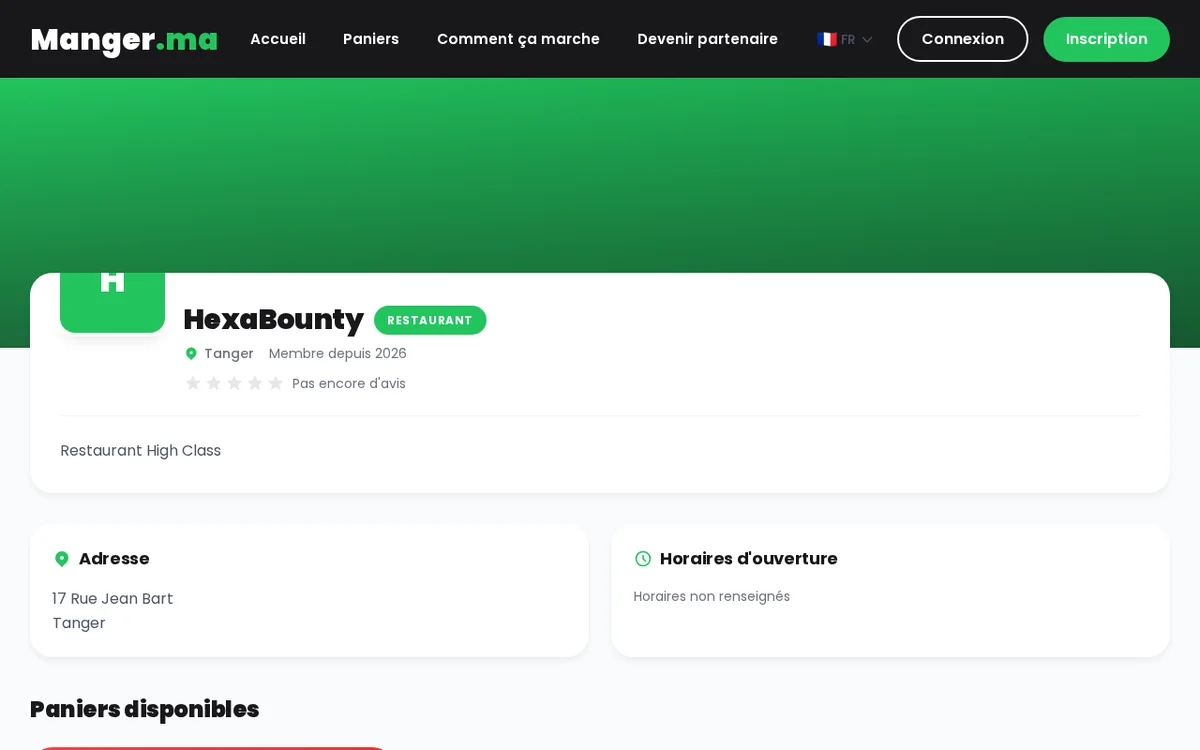
Each merchant's public page shows their current baskets, opening hours and customer reviews. You can manage your notification preferences at any time under My account > Notifications.
Ready to rescue your first basket?
Surprise baskets are waiting for you nearby. And if you still have a question, our FAQ most likely has the answer.